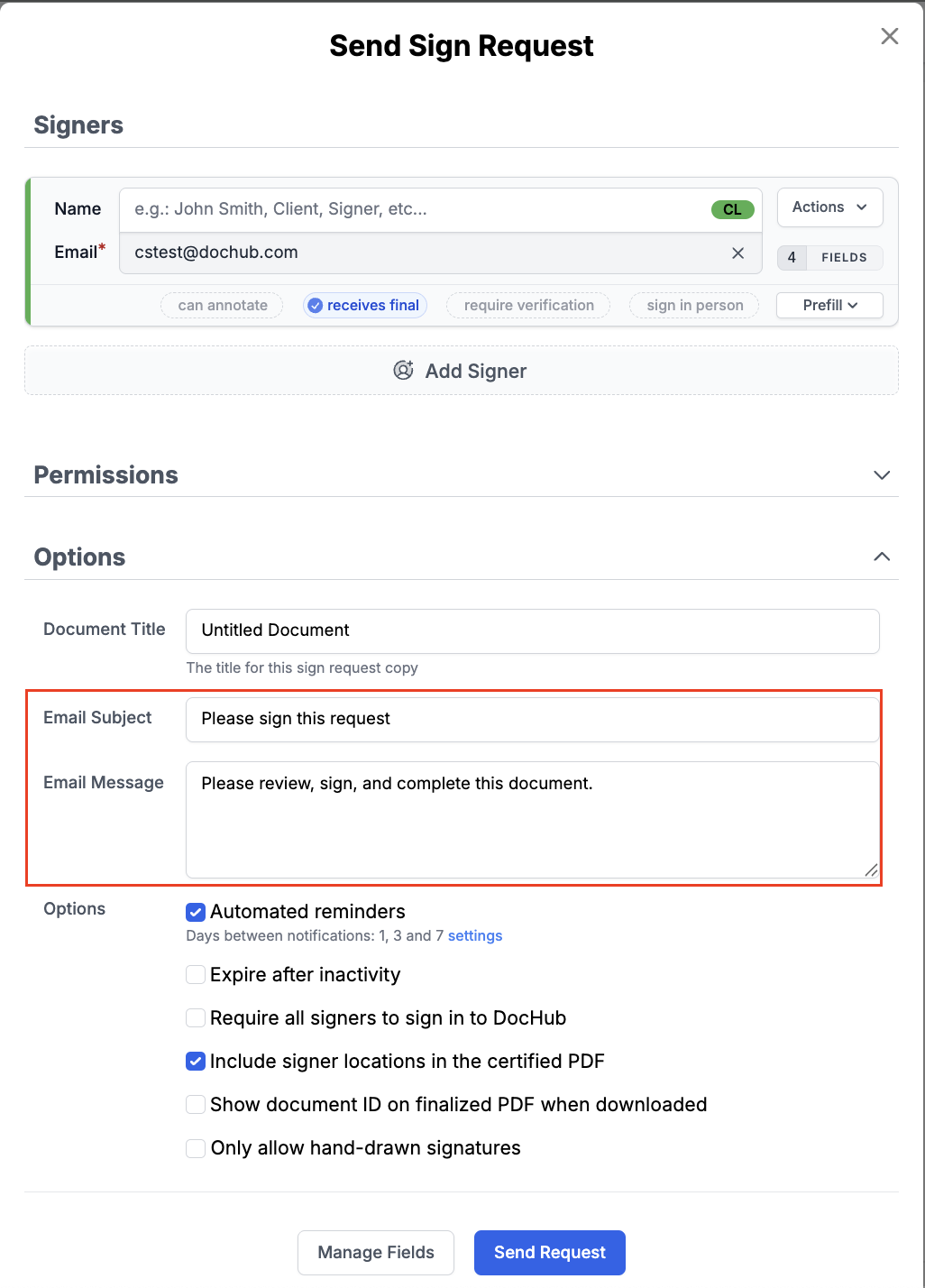
When sending a sign request, you can include a custom messsage that will be delivered to the recipient(s).
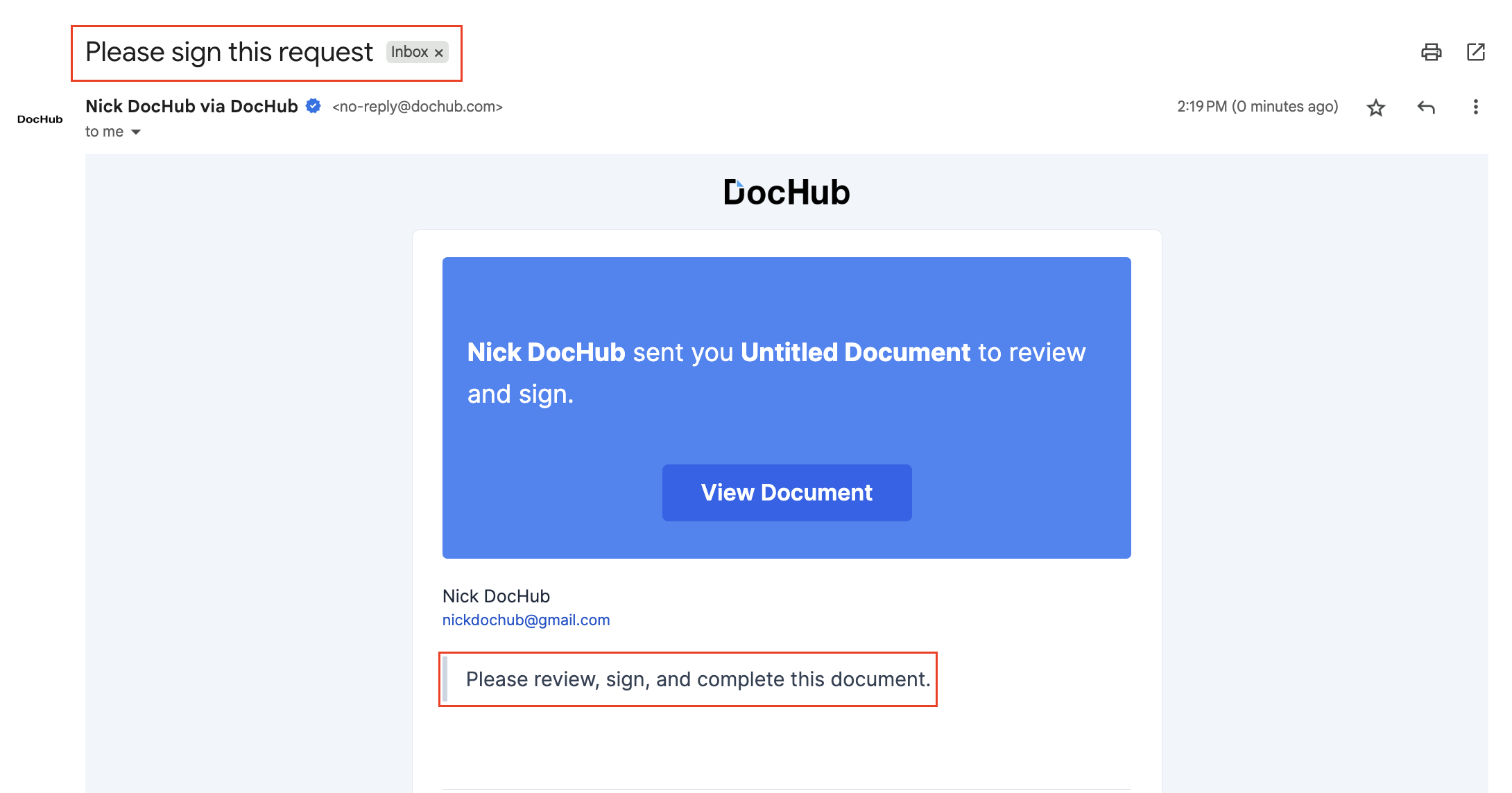
The message will be displayed in the email they receive as such:
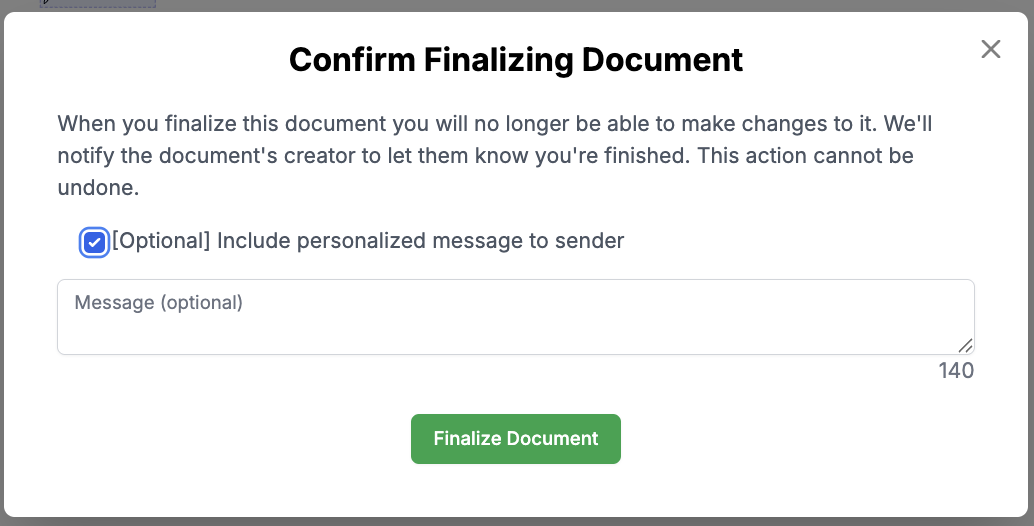
Once the recipient has signed the document, they have the option to include a custom message back to the sender as well, show below:
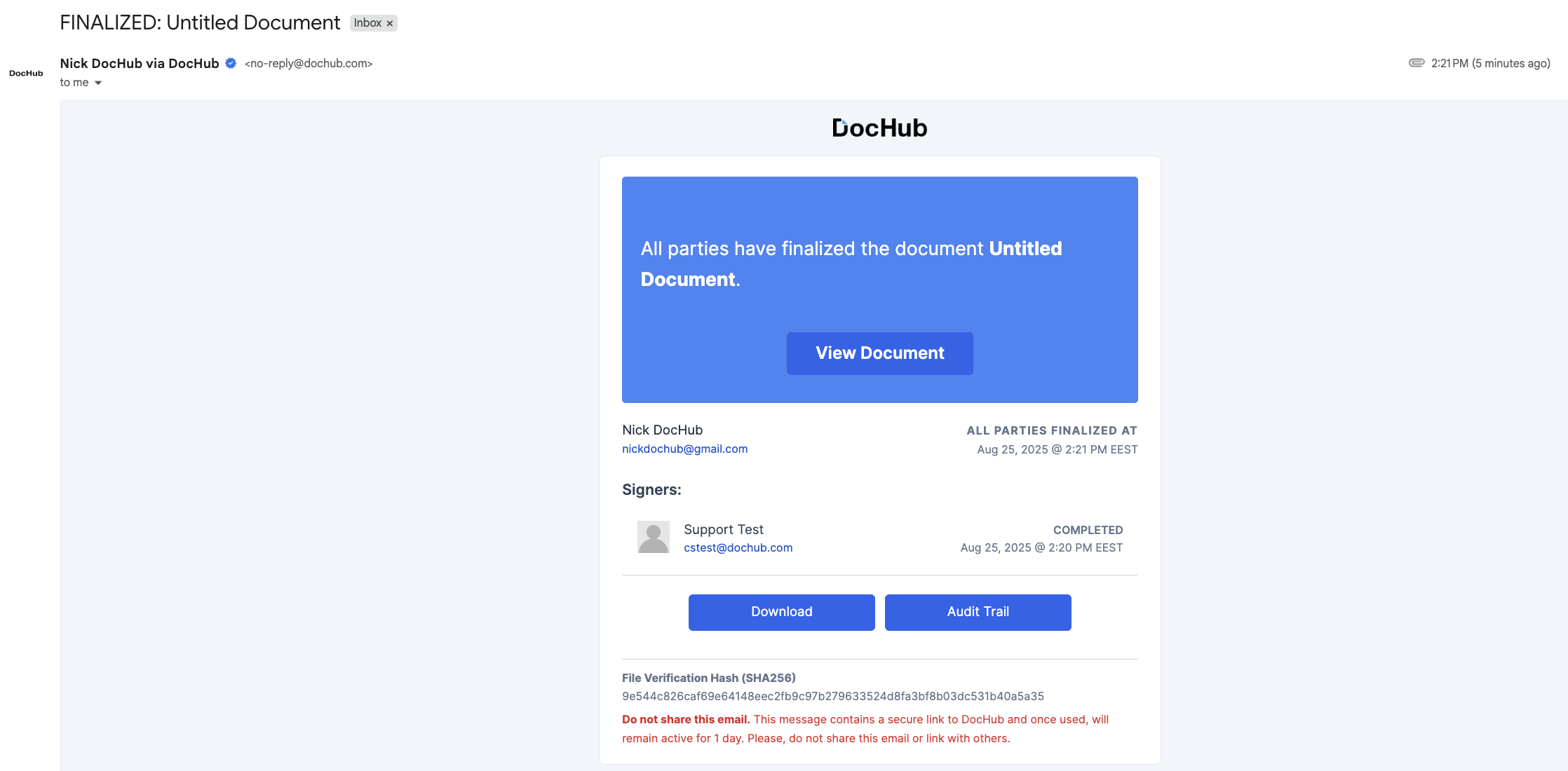
This message will be displayed in the 'finalized document' email:
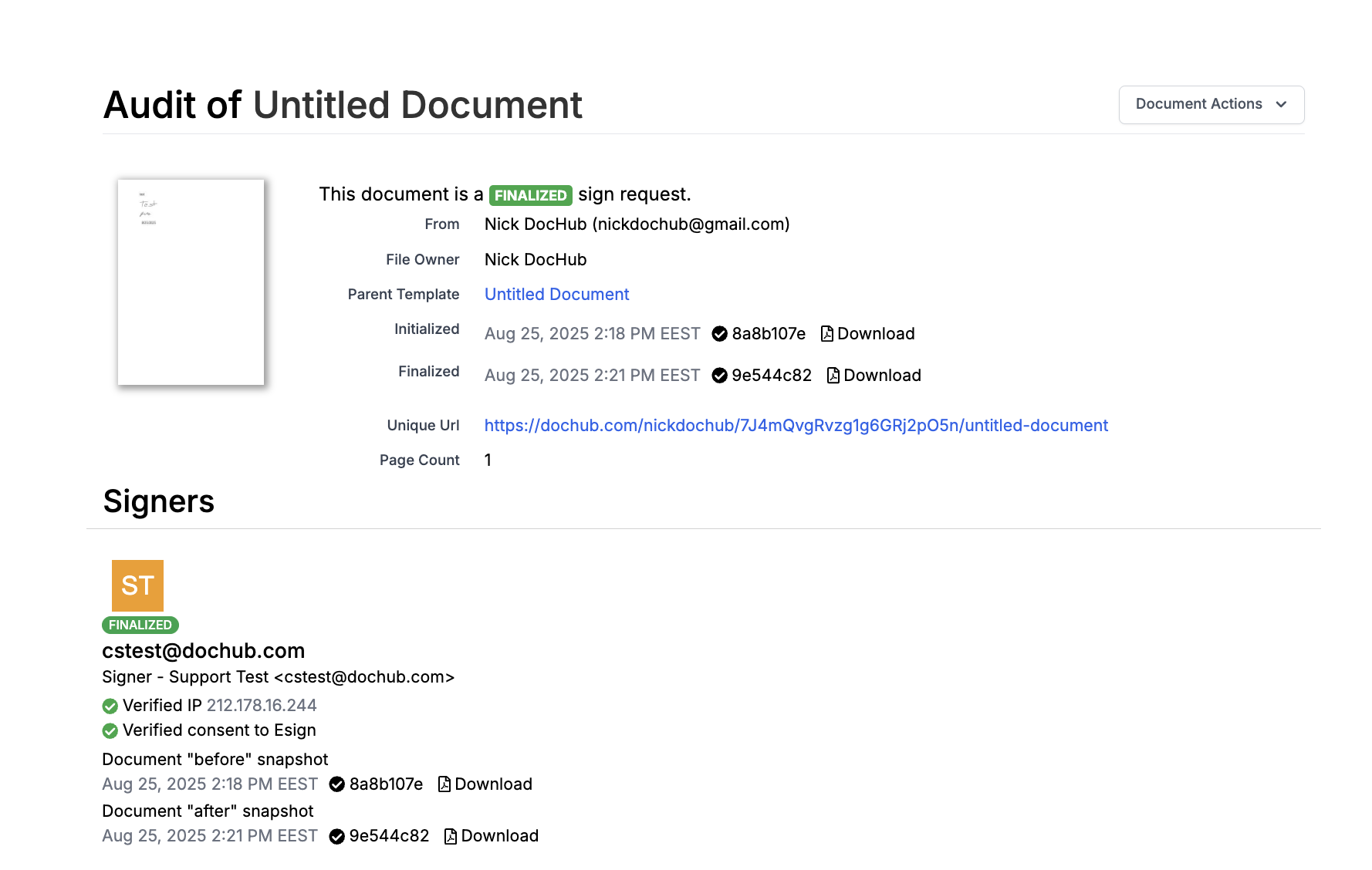
It will also be displayed in the document's audit trail, under 'Message':
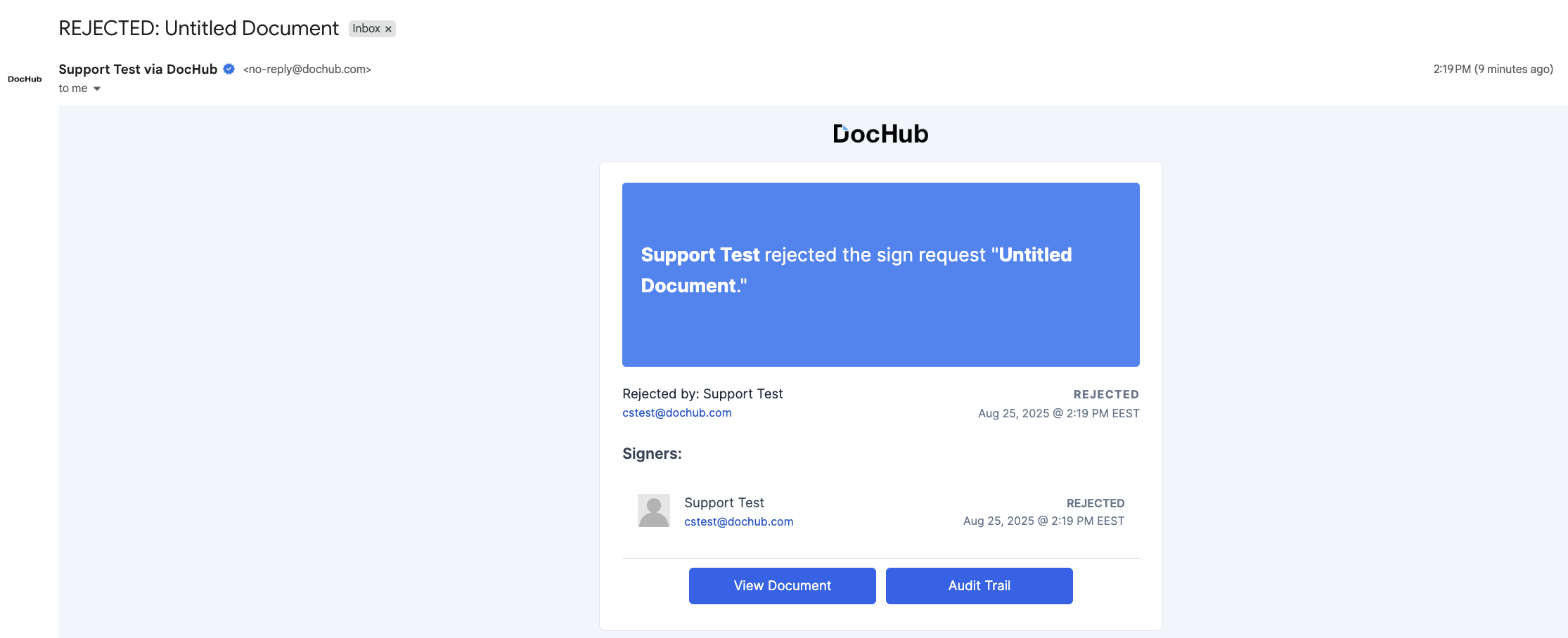
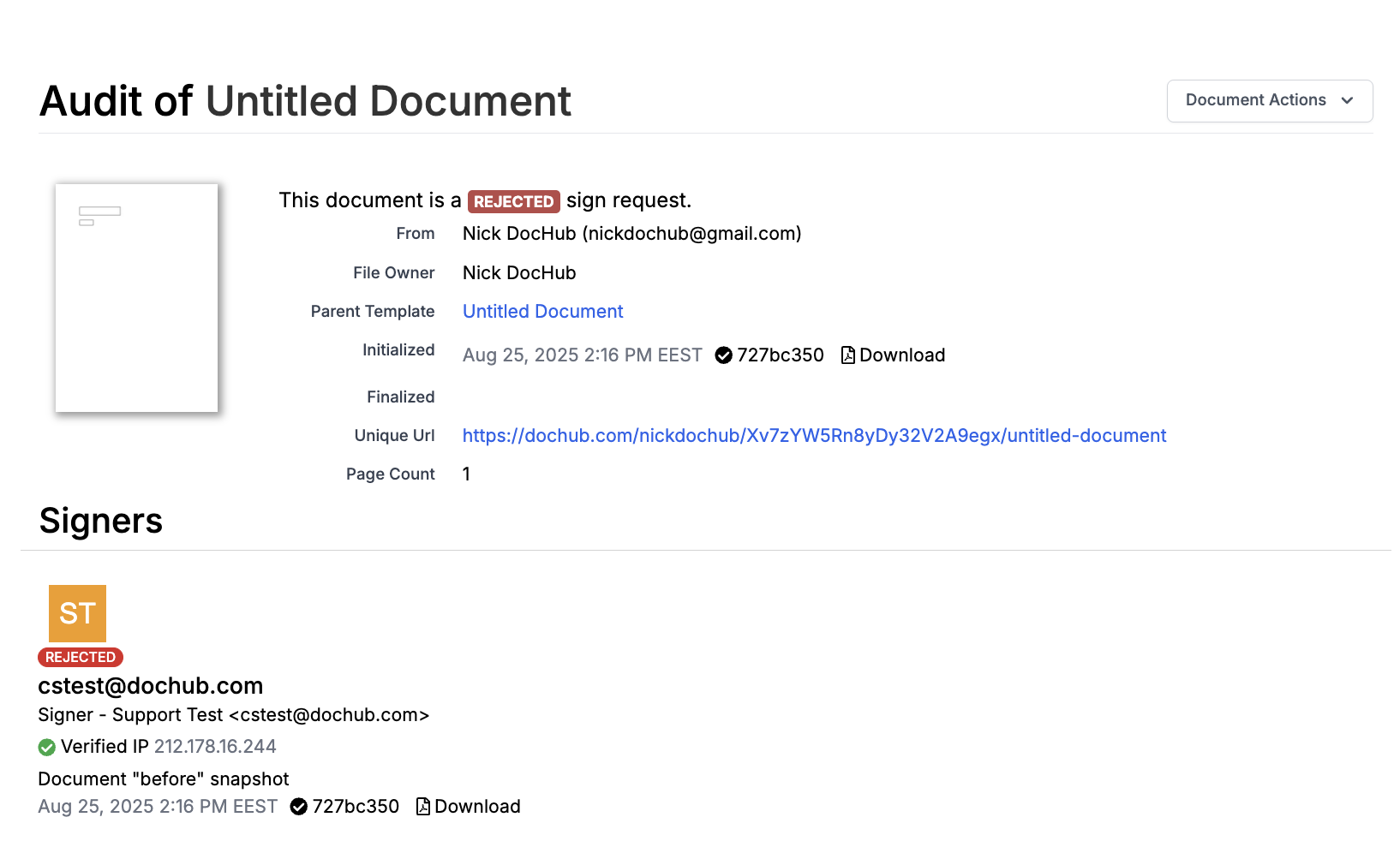
This workflow is similar for rejected sign requests, as shown below: