NOTE: If you are having issues logging in to DocHub, see this article instead: Unable to sign in with Google or open documents from Google Drive or Gmail.
From what we've seen, when DocHub goes completely blank, it's most often caused by a caching issue which can be resolved by clearing the browser's cache.
If you're using Chrome, please follow these steps:
Clearing your browser's cache (Chrome)
If you're using a Microsoft browser, see our instructions for IE or Edge
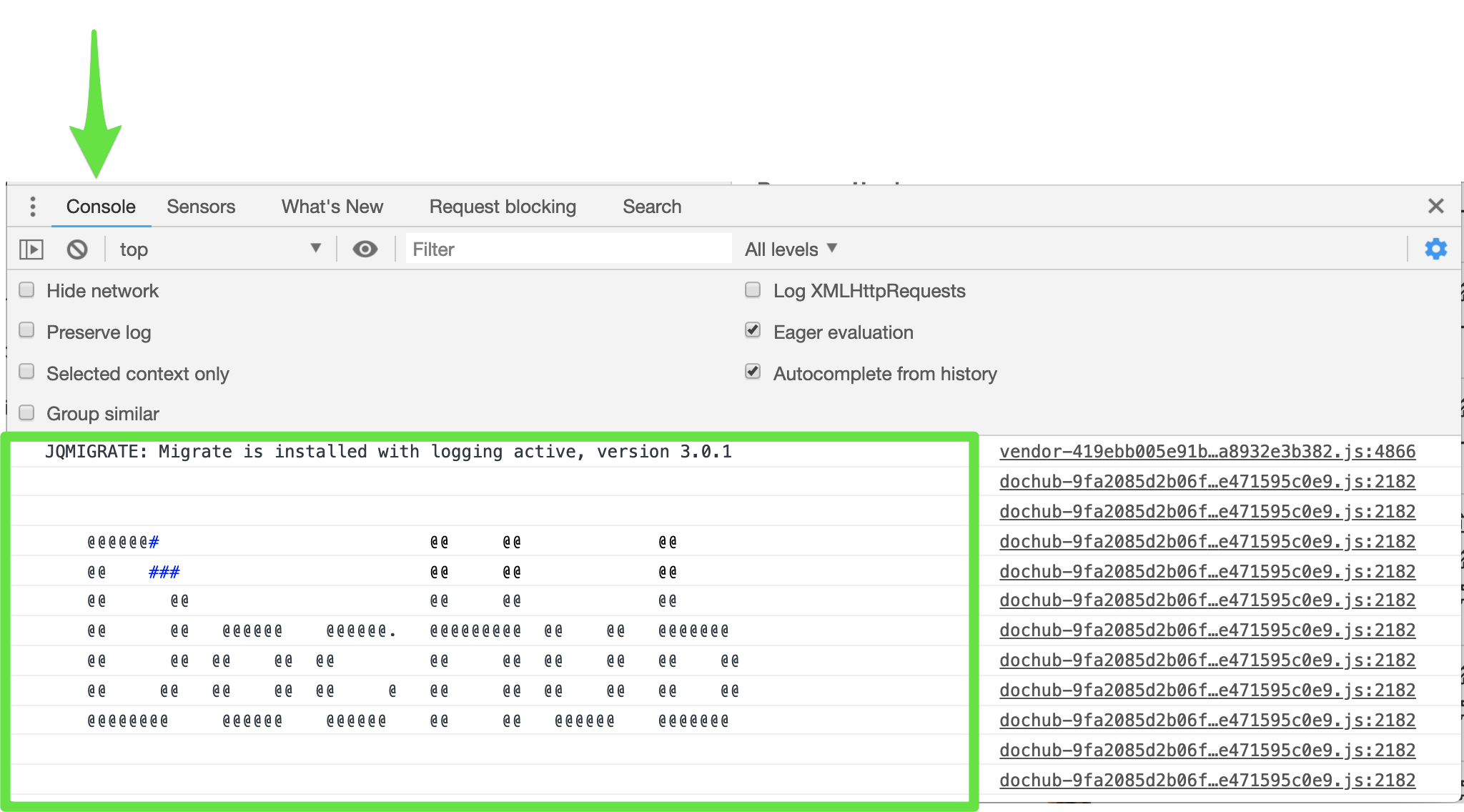
If clearing your cache didn't resolve the issue, then please let us know ASAP so we can troubleshoot the issue. To expedite the process of resolution, please send us a screenshot of any error messages that appear in your browser’s console (see the example image below):
Right-click in browser -> Inspect -> Inspector -> Console