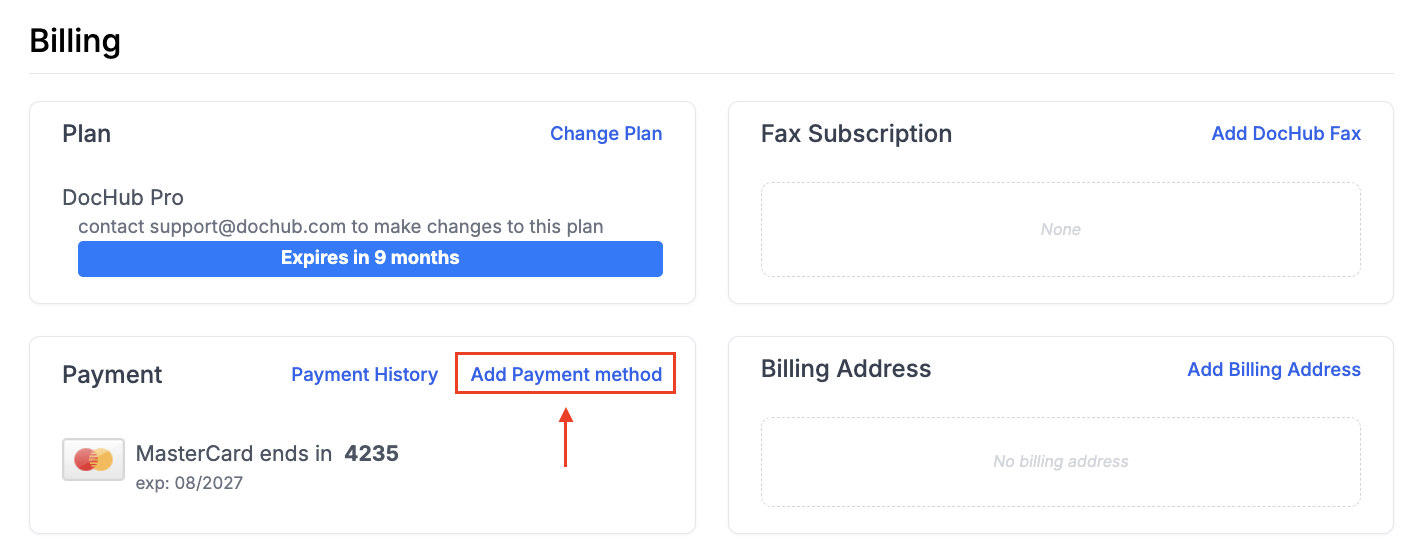
You can update your credit card and add a new one in your Billing Settings at https://dochub.com/settings/billing.
 \
\
Organization Billing
If you need to update the card for your organization, follow these steps:
Click on your name in the upper left corner and choose your organization from the drop-down menu.
Click Settings.
Click Billing.
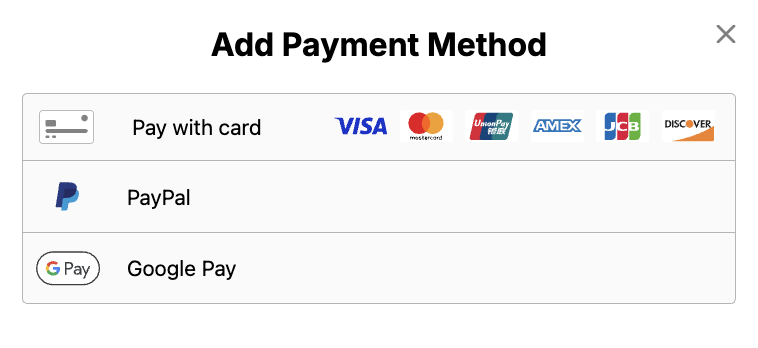
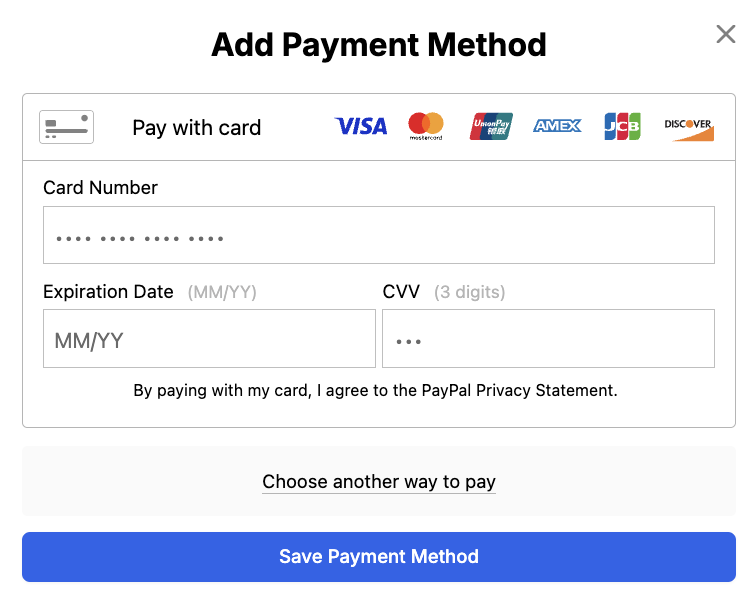
Click Add Payment Method.
You must be an Owner or Admin to edit anything related to billing. For more info, see: Organization Roles and Permissions.
On our website, you can pay by credit/debit card, PayPal, Google/Apple Pay, or Venmo (US customers only). You can also pay by check, ACH, or wire transfer by contacting DocHub Support.