You can cancel your DocHub subscription at any time from your billing dashboard.
If you're using DocHub as an individual user, you can cancel by downgrading to the free version from the plan selection page:
dochub.com/settings/billing/plans
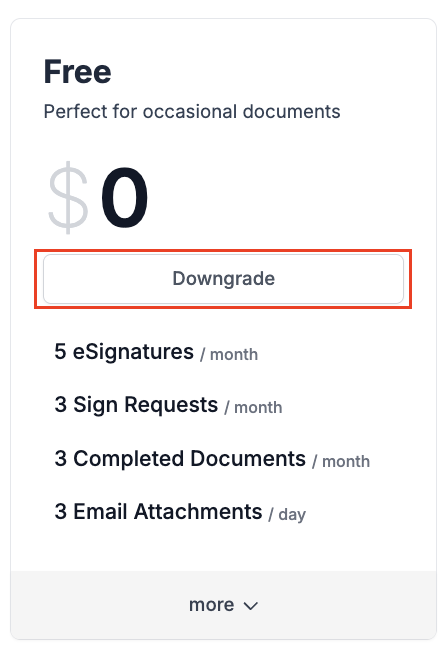
You can also cancel your subscription by clicking on the Change Plan button in the Plan section of your account billing settings:
https://dochub.com/settings/billing/update-plan

If you're using DocHub as an organization, then are available here:
dochub > your organization > settings > billing > change plan
or from https://dochub.com/organization/your-organization-slug/settings/billing/update-plan
where your-organization-slug is replaced with your organization's slug or domain
Downgrading to free will still keep your DocHub account in paid subscription status for any remaining period that has already been paid for, or for the remaining duration of a free trial. Once you've downgraded to DocHub's free plan, you will not be charged again for that plan.
If you've done this and then change your mind before your trial or subscription period is over, you can restore your subscription by going back to the Pricing Page or Billing Settings and clicking on "restore subscription."
If you do decide to cancel your DocHub subscription, we'd really like to get your feedback on whether there is anything in particular we could do to improve DocHub services and get you to stay as a Basic, Pro, or Teacher user. Your input would be greatly appreciated, so please email us at support@dochub.com with any suggestions.