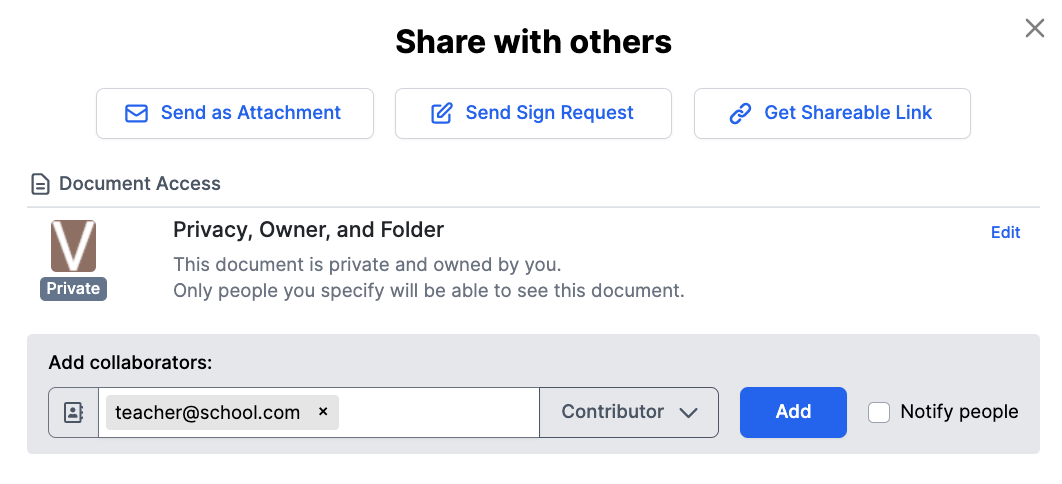
If your student has turned in an assignment in Google Classroom, but you are either unable to view or edit the document in DocHub, your students should set you as a Contributor before (or after) turning it into Google Classroom. This way, you'll be able to access it and grade it using markup in DocHub.
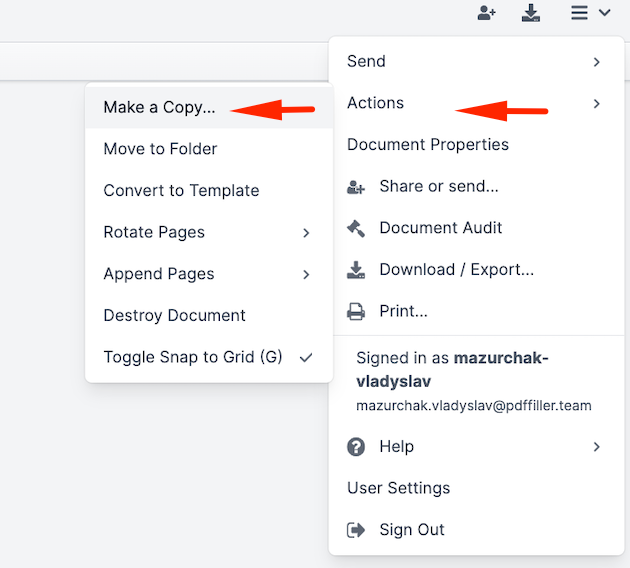
Alternatively, you could just make a copy of it which will keep the student's work and let you add your own grading annotations in a new copy. To do this, just click on File menu 
Here is how your students can add you as a Contributor:
Open the document that needs to be shared
Click on the Share or Send
button
Enter your email address into the bottom field as a Contributor and click Add
Close the Share window
Save it to Google Classroom and turn it in