Document Q&A Companion Guide
The DocHub AI Assistant is an advanced feature available for our Pro subscription users. It is designed to enhance document navigation, summarization, and understanding. This guide explains how to use the AI Assistant and its key features.
Accessing the AI Assistant
-
Open a document in the DocHub editor.
-
Locate the AI assistant button in the bottom right corner.
-
The button will animate and highlight when hovered over.
-
Click the button to open the AI assistant modal window.
Usage Instructions
-
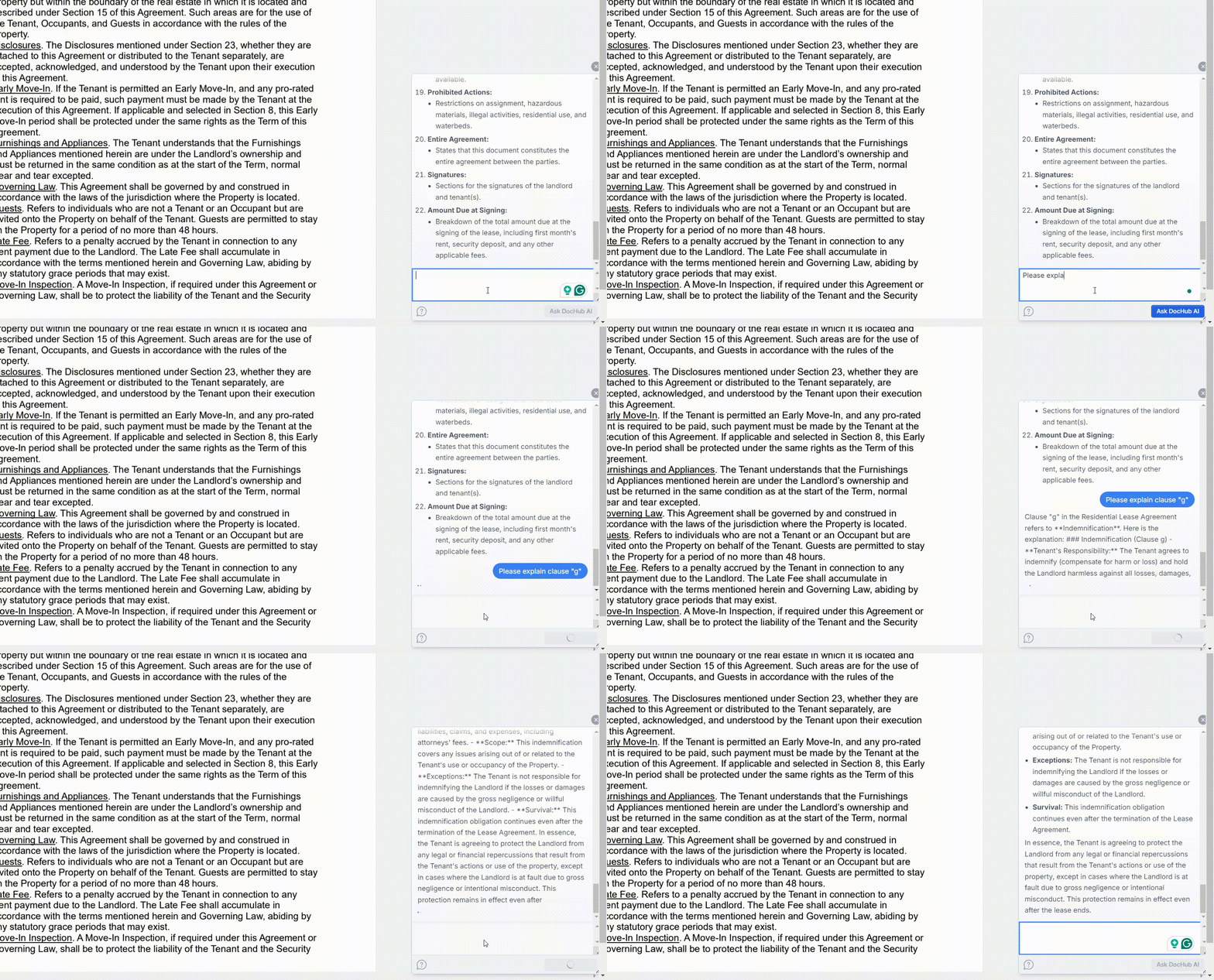
Asking Questions: Enter questions or requests in the text input box (e.g. What is this document about?)
-
Receiving Answers: The AI responds with information from the document content.
-
Summarizing or Simplifying: Select these options for quick overviews or simplified versions of the document content.
-
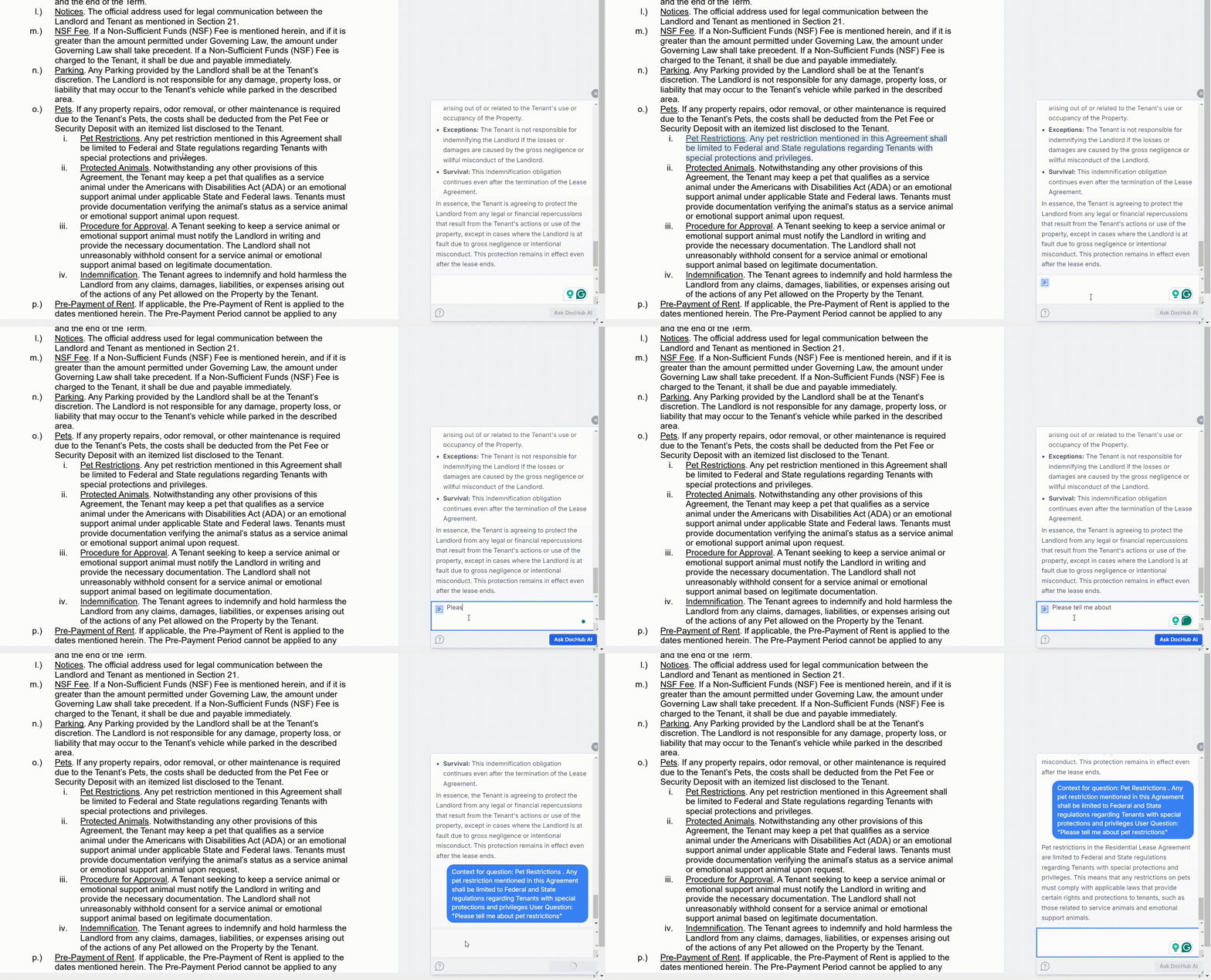
Using Context: Highlight text before asking questions for more focused answers.
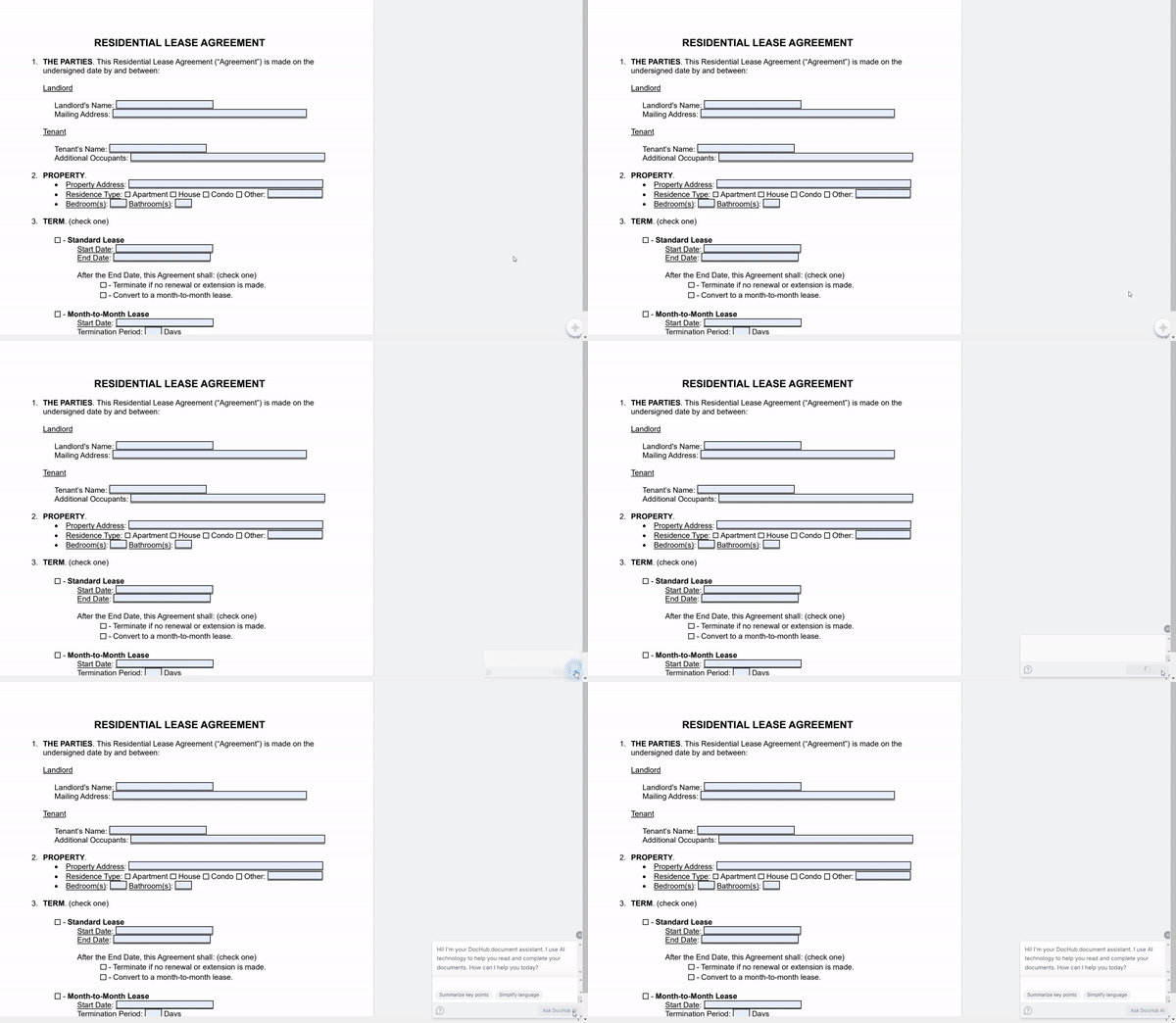
Main Features
Summarize Key Points
Provides a concise overview of main ideas in lengthy or complex documents.
Simplify Language
Rephrases text using common synonyms and simpler sentence structures for easier comprehension.
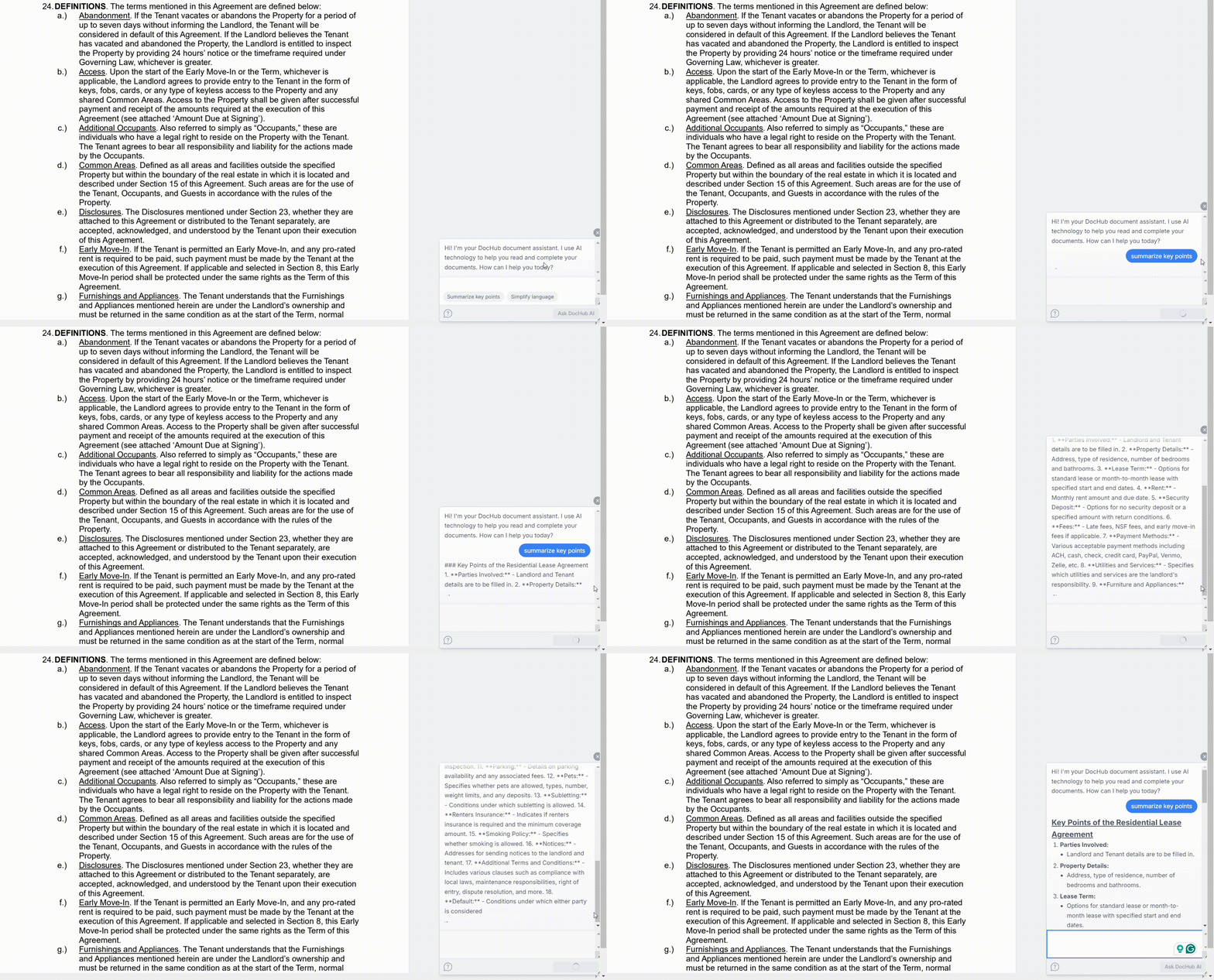
Answer Document-Related Questions
Responds to queries about the document based on its content.
Context-Specific Responses
Focuses answers on highlighted portions of the document when text is selected.
Limitations and Notes
-
The AI assistant only addresses document-related queries
-
The AI assistant cannot recognize text in:
-
Fillable fields
-
Annotations
-
Rasterized text (e.g., scanned documents)
-
Additional Help
For further assistance, users can access the DocHub Help Center via the help icon in the left corner of the chat window.
Users can also report bugs or provide feedback via the Contact Us form in the right sidebar of the DocHub Help Center.
The AI assistant aims to streamline document comprehension and analysis, enhancing overall productivity within DocHub.