To log in to DocHub, visit https://dochub.com/sign_in
You can sign in to DocHub using three available methods:
1. [Recommended] Authenticating or signing in through Google.
This is the easiest and quickest option if you already have a Google account.
Signing in with your Google account credentials via OAuth can be done from the DocHub homepage and various other pages through buttons that look like this:
If you have any issues using this option, see: Unable to sign in with Google or open documents from Google Drive or Gmail.
2. Single Sign-On (SSO)
If your company uses SAML authentication through Okta, Azure Active Directory, or other providers, we also offer SSO as a secure login option which is configured through your DocHub organization's Security Settings.
3. Email address and password as DocHub-specific credentials.
If your email account is not associated with Google or another OAuth or SSO provider, or if you simply prefer the traditional email/password style login, then you can create DocHub-specific login credentials for your DocHub account. To sign in with your DocHub-specific credentials, click Sign in with an email address or a similar option.
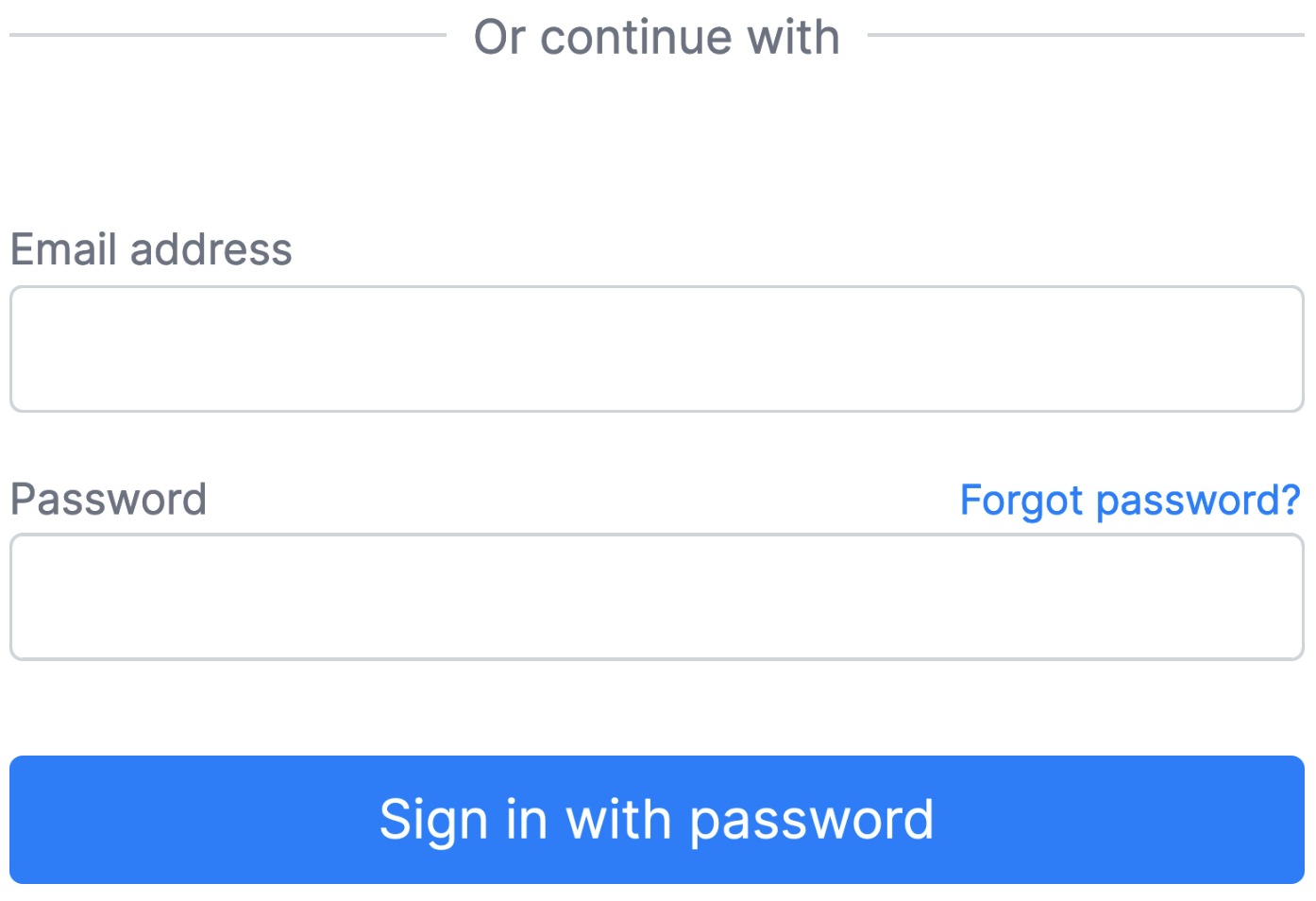

If you are trying to sign in using a form that looks like the image above, but you previously authenticated using Google, then this method will not work as you have not set up a password with DocHub. In this case, it's generally best to just Sign in with Google or another provider as described in method "1" above.
If you have not created a DocHub account before, then proceed to the Create new account section.
If you have created an account but your passwords are not working, click on Forgot password?