Overview
We are glad to introduce a powerful Edit Text feature that lets you modify text within a PDF document directly, rather than just overlaying new text on top.
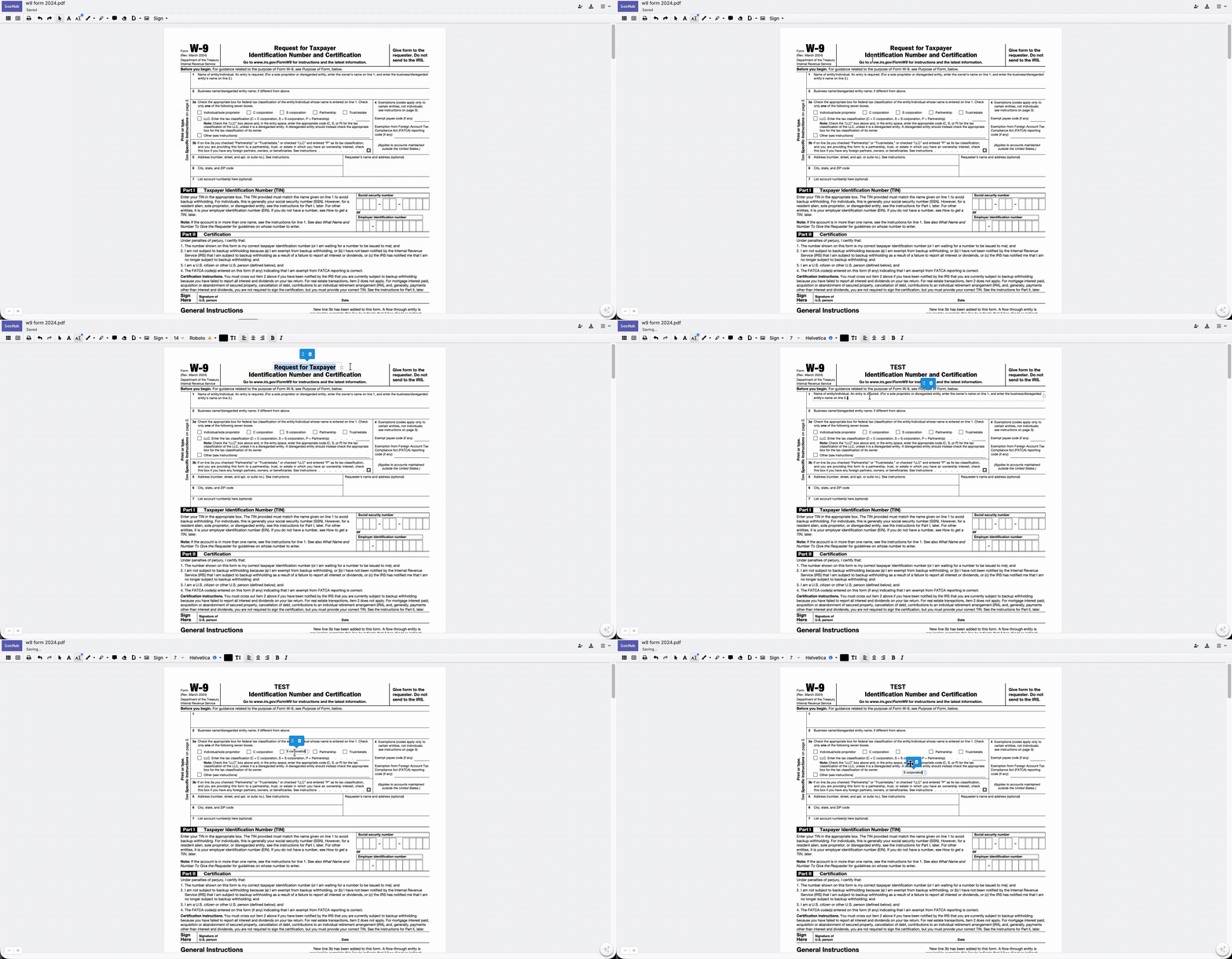
The feature is designed to make PDF manipulation as intuitive as using a standard word processor:
Direct Text Modification: You can click into existing text blocks to fix typos, change wording, or update dates without needing to "white out" the original content.
Formatting Synchronization: When you edit text, DocHub automatically matches the original font, size, and color to ensure the document remains professional and consistent.
Reflow and Alignment: The tool manages text reflow, meaning if you add or delete words, the surrounding text adjusts its position to maintain the original layout.
How to use
You can find this new feature in the Editor toolbar after opening the document.
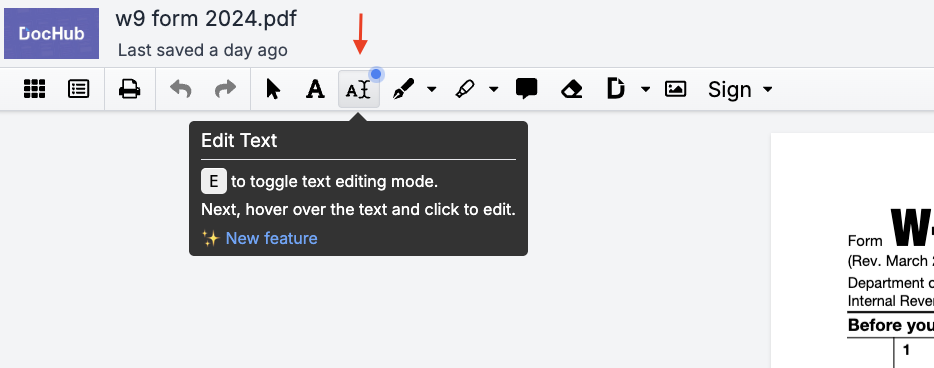
Once the annotation tool is selected, a yellow border will appear around the text on hover. It indicates that the text can be edited.

Note: PDFs with rasterized text or images are not editable.
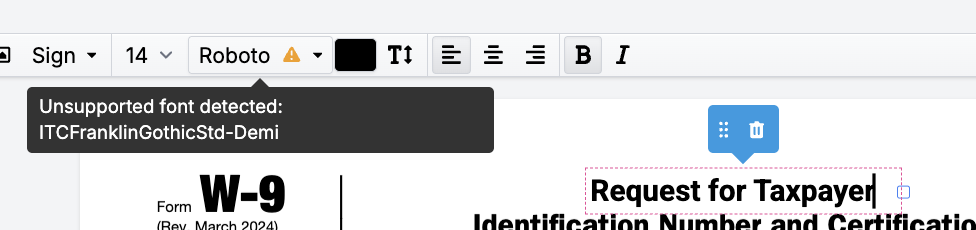
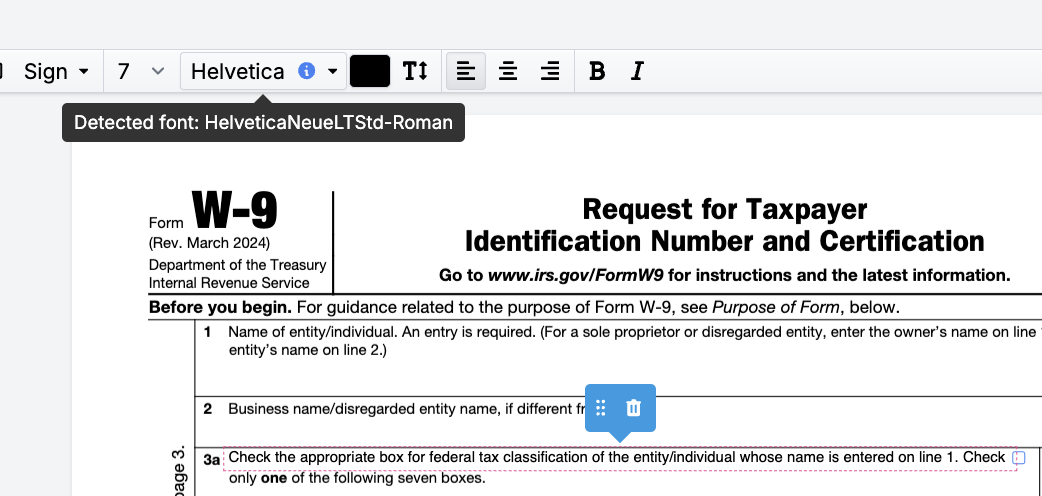
After clicking on a text box, a font will be auto-detected. The feature relies on the Google Fonts library, which includes ~1800 fonts.
Even though Google fonts library is vast, there are fonts that are IP of specific companies we are not related with. Therefore, they will not be supported in our list, and in these cases, our system selects to the most visually similar font.